
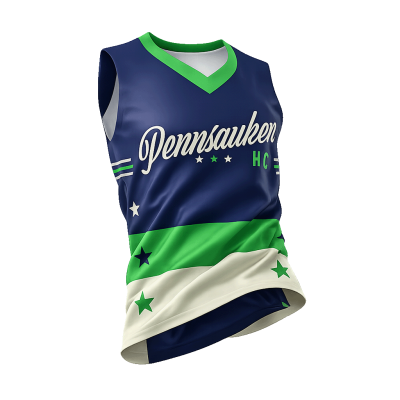
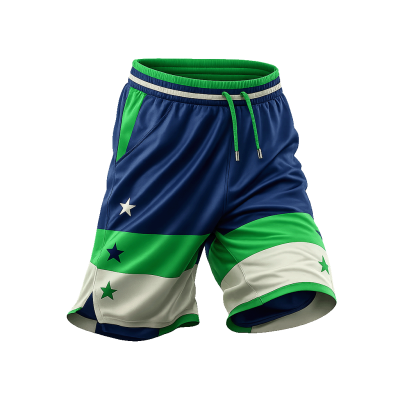
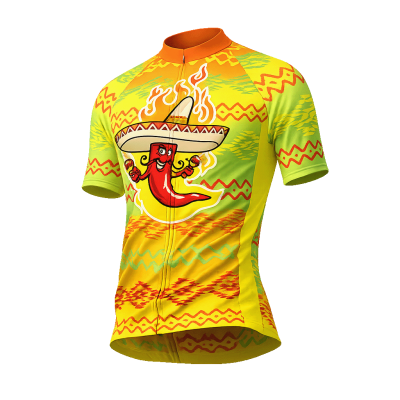
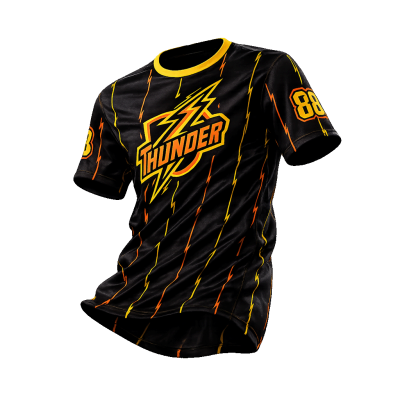


Uncategorized
AI Artwork for Custom Sports Uniforms: How-To Guide
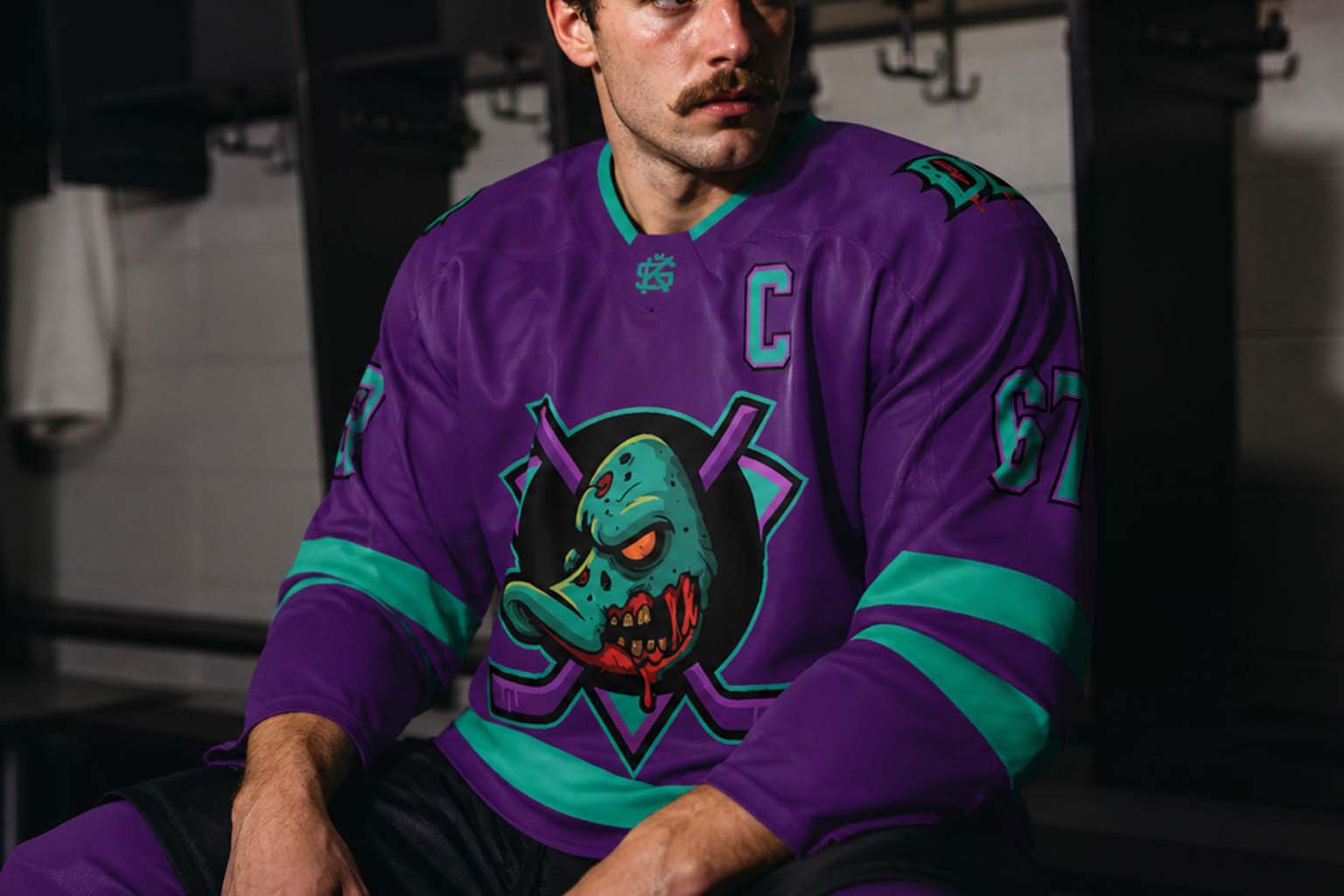
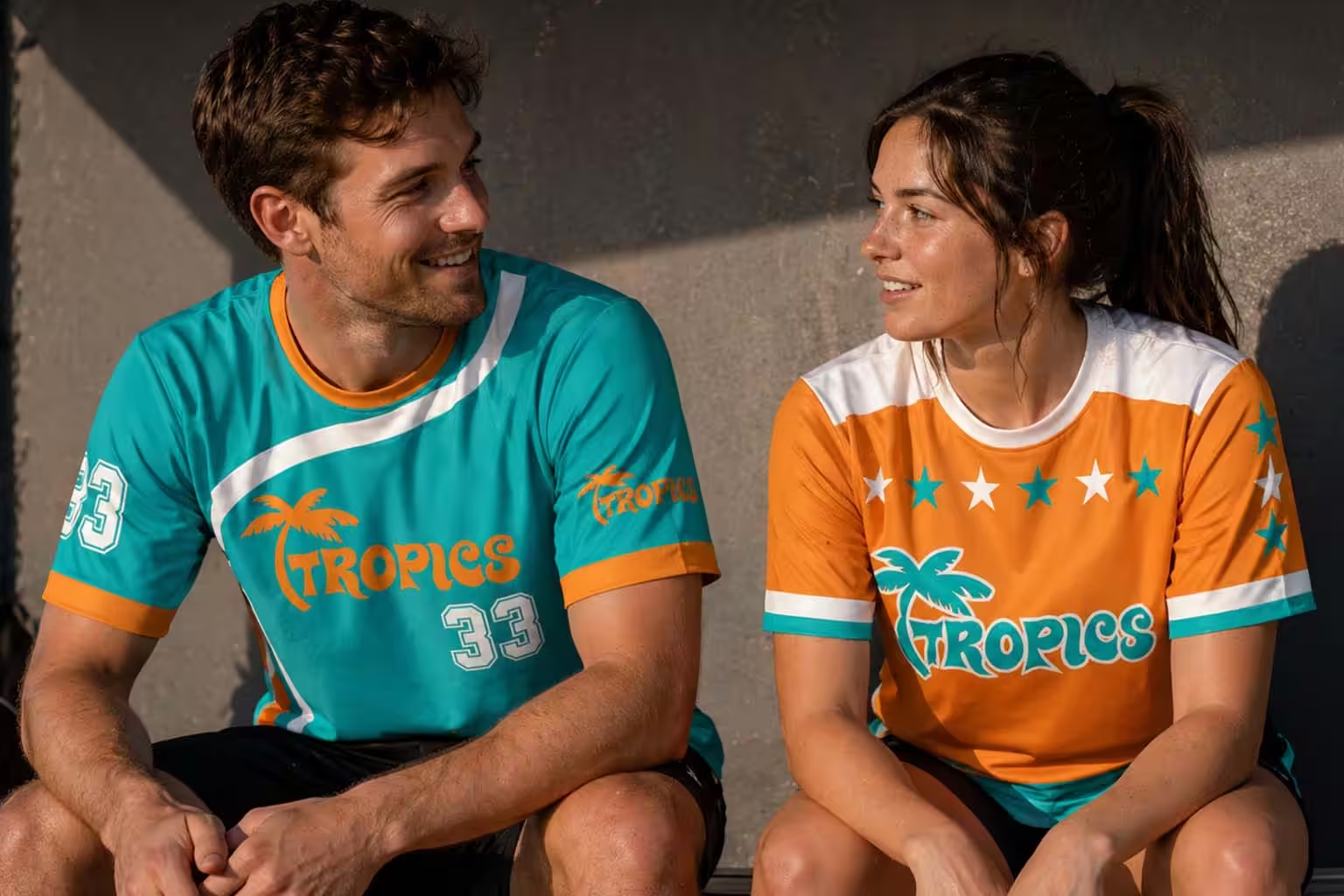
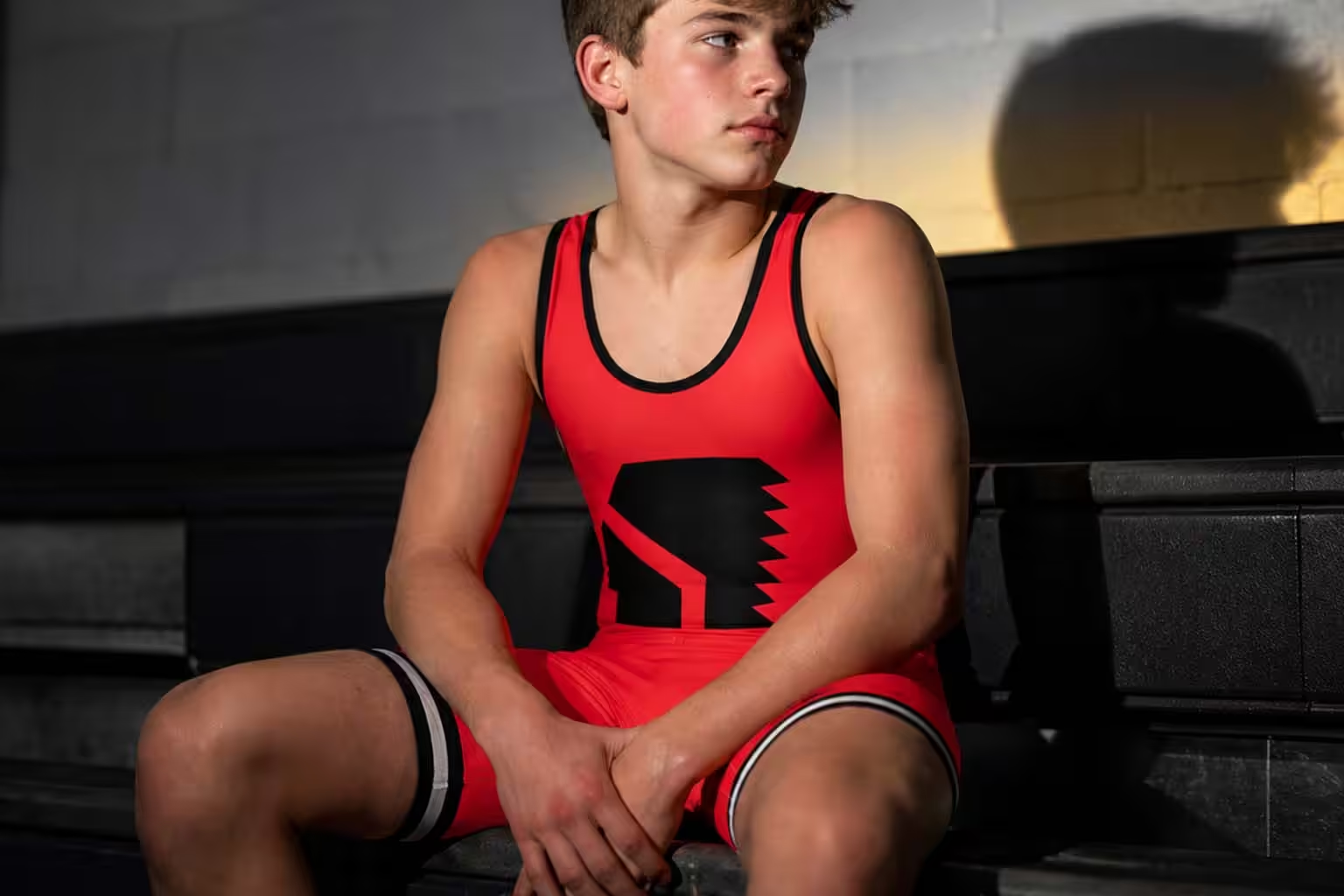
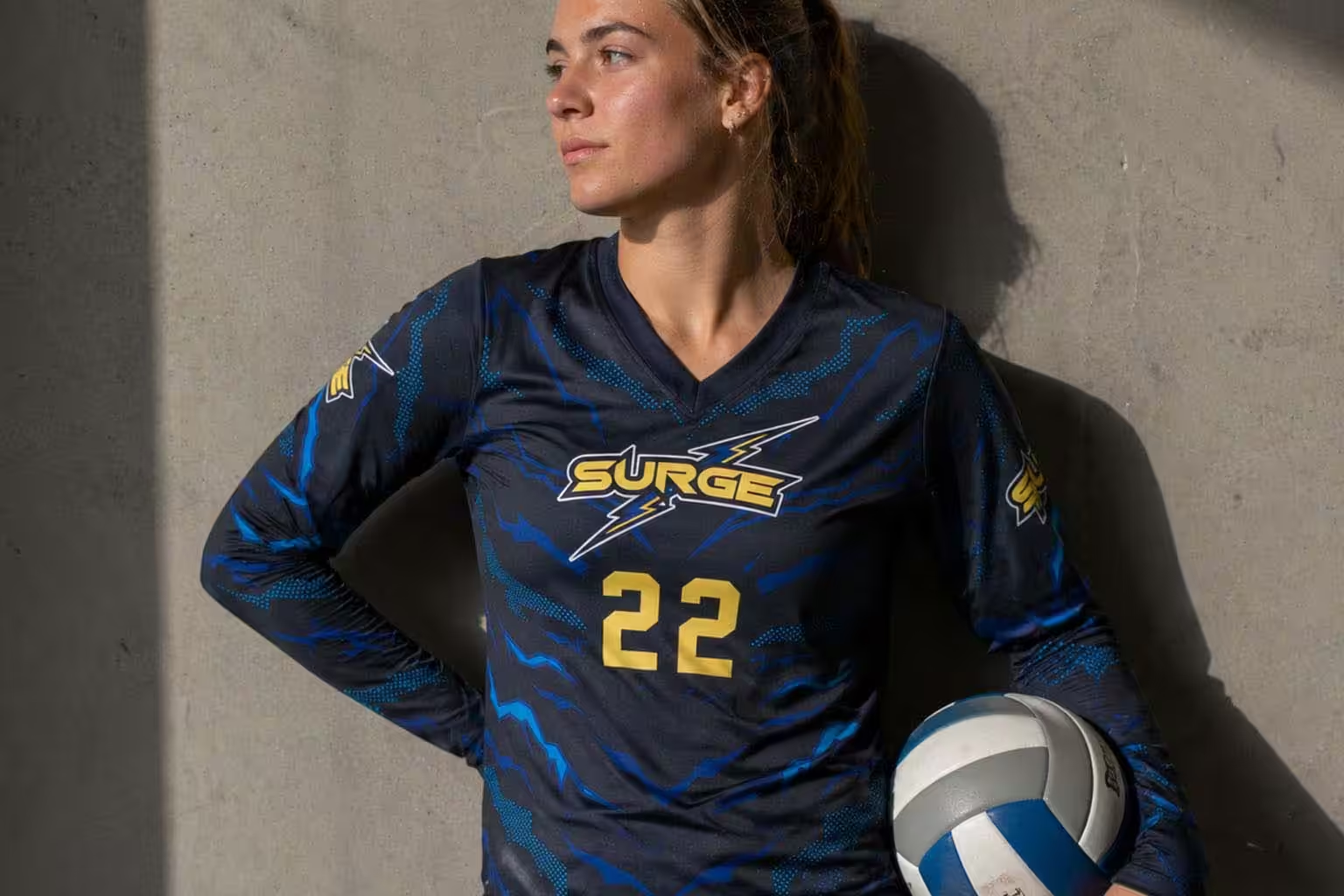
AI artwork for custom sports uniforms can be an incredibly useful starting point for creating a one-of-a-kind jersey or uniform. Today’s AI image generators can help you develop logos, themes, patterns, color schemes, mascots, and complete visual concepts in minutes.
An image that looks great on your screen is not necessarily artwork that can be printed on a garment.
We regularly receive AI-generated uniform concepts that look impressive as rendered mockups but provide very little usable production artwork. The design may be wrapped around a jersey, distorted by perspective, covered in lighting effects, or built from extremely detailed textures that cannot simply be extracted and printed.
The good news is that AI can be a very useful part of the custom uniform design process.
The key is using it in the right order:
If you follow that sequence and save each stage, you give our design team far more to work with when turning your AI concept into an actual sublimated garment.
TL;DR: The Best AI Workflow for a Custom Uniform
- Create and finalize your logo first. This is usually the most important asset you can provide us.
- Save the logo separately. Do not rely on a logo that only exists inside an AI-generated jersey mockup.
- Create the jersey artwork or background next. Generate it as a flat square or rectangular image rather than directly on a garment.
- Save the highest-resolution version of the flat artwork.
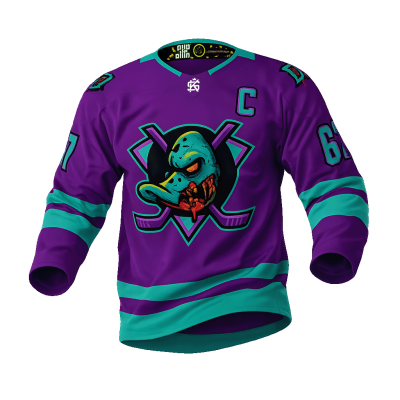
- Create the uniform mockup last. Use the logo and artwork you already developed to show how you envision everything coming together.
- Send us all three: your logo, flat source artwork, and mockup.
- Keep simpler designs simple. Clean shapes, stripes, gradients, and traditional sports graphics are usually much easier to recreate accurately.
- Understand the limits of highly textured AI artwork. Heavy grain, noise, mottling, grunge, smoke, glowing effects, and complex raster imagery may need to be interpreted rather than reproduced exactly.
- Do not rely on your monitor for exact color. Extremely bright neon, fluorescent, and glowing screen colors will not necessarily reproduce the same way through dye-sublimation printing.
Logo
Create, refine, and save the clean logo first.
Flat Artwork
Build the background or design as a square or rectangular image.
Mockup
Use your established artwork to visualize the finished uniform last.
Start Your AI Uniform Design With the Logo
If there is one thing we would most like you to create and save before building your AI uniform concept, it is the logo.
For many custom uniform projects, the logo is the most important piece of artwork.
A clean logo gives us a strong visual anchor for the entire design. Even if the jersey concept itself needs to be rebuilt, simplified, or interpreted, having the actual logo often allows us to recreate the overall direction much more effectively.
That is especially true for traditional sports uniform designs.
If your concept uses things like stripes, gradients, color blocking, geometric shapes, simple patterns, traditional sleeve treatments, or clean modern graphics, we can often reproduce the general jersey direction relatively easily from a visual reference.
A logo is different.
If the only version of your logo exists distorted across the chest of an AI-generated player or wrapped around a rendered jersey, there may not be enough clean information available to reproduce it accurately.
Build the Logo Separately
Before asking AI to design the full uniform, ask it to create the logo by itself.
Ideally, the logo should appear:
- Centered
- Isolated
- Straight-on
- Without perspective
- Without a jersey
- Without fabric texture
- Without dramatic lighting
- Without smoke or environmental effects
- Against a simple or removable background
Save the largest version available.
If the logo is simple enough, it may also be possible to recreate or vectorize it into clean scalable artwork.
If AI creates several variations, save the version you actually want us to use rather than assuming it can be recovered later from the finished uniform rendering.
Why the Logo Matters More Than the Mockup
A customer may look at an AI mockup and think:
From a production standpoint, that usually is not the case.
The mockup may show us the idea, but the actual artwork has already been transformed.
The logo might be:
- Curved across the chest
- Partially hidden by a sleeve
- Distorted by perspective
- Affected by wrinkles
- Covered by lighting
- Obscured by shadows
- Changed slightly by the AI during rendering
The same thing happens to the rest of the jersey artwork.
That means the mockup is often an excellent reference, but a poor source file.
If you give us a clean logo, however, we already have one of the most important elements of the design in a usable form.
From there, we can often use the mockup as a guide and recreate much of the remaining uniform direction ourselves.
Create Your AI Jersey Artwork Second
Once you have your logo, the next step is to develop the artwork that will become the body of the uniform.
This might be an abstract pattern, lightning, ice, flames, camouflage, waves, retro geometry, smoke, distressed artwork, gradients, color blocking, or a repeating graphical texture.
This is where many AI workflows go wrong.
Instead of generating the artwork separately, customers immediately ask AI to create a finished jersey.
That gives them a nice visual concept, but it skips the stage that provides us with the actual artwork.
Generate a Flat Image Instead
Ask AI to create the design as a square or rectangular full-frame image.
“Create a hockey jersey with dark blue fractured ice and lightning.”
“Create flat rectangular sports apparel artwork featuring dark blue fractured ice with electric blue lightning. Full-frame edge-to-edge composition. No jersey, no clothing, no person, no folds, no fabric texture, no perspective, no text, and no logos.”
Now you have something much more useful.
Think of this flat artwork almost like digital wrapping paper.
We can take that image and place it underneath the individual pieces of our garment templates.
Why Flat Square and Rectangular Artwork Works Better
Sublimated garments are not printed as completed shirts or jerseys.
They are produced from individual fabric panels.
Artwork is placed into production templates for those panels. The pieces are printed, cut, and eventually sewn together.
That means the shapes used to manufacture the garment will crop and reveal different portions of your artwork.
Think of it like placing a large photograph behind several differently shaped picture frames. The photograph stays the same. The frame determines which part you see.
Sublimation artwork works in a similar way.
A large rectangular source image gives us room to:
- Reposition artwork
- Adjust scale
- Crop around seams
- Accommodate different garment panels
- Compensate for size changes
- Move important visual elements away from logos or numbers
That flexibility is extremely valuable.
A rendered jersey does not give us the same freedom because the artwork has already been wrapped, cropped, shaded, and distorted.
Build More Artwork Than You Think You Need
When generating your flat artwork, avoid making the entire composition depend on the exact borders of the image.
Give the design room to breathe.
If your most important lightning bolt, wave, flame, or graphical feature sits directly against an edge, we may not have enough surrounding artwork to reposition it on the garment.
Ask AI for edge-to-edge artwork with generous surrounding detail and extra room for cropping.
The more usable image area we have around the important elements, the easier it becomes to adapt the artwork to different garment pieces and sizes.
Get the Flat Artwork Right Before Creating the Mockup
This is one of the most important parts of the process.
Do not rush from your first interesting AI image directly into a jersey rendering.
Stay with the flat artwork until you actually like it.
Refine:
- The overall composition
- Colors
- Level of detail
- Contrast
- Textures
- Major visual elements
- Where the eye is drawn
- How much empty or busy space exists
Once the artwork is where you want it, save it. Download or export the largest and highest-quality version available before asking AI to place it on a uniform.
AI tools can alter details unexpectedly during later generations. If the flat version you liked disappears during the process, the mockup may not contain enough information to recover it accurately.
Create the Mockup Last
Once you have your logo and your flat source artwork, then it makes sense to create the finished jersey or uniform visualization.
Now the mockup becomes extremely valuable because it shows us how you want those assets to interact.
It can communicate things such as:
- Approximate artwork placement
- Logo scale
- Front-to-back balance
- Sleeve treatment
- Where light and dark sections should fall
- General number placement
- Stripe direction
- Overall visual feel
The mockup does not need to be technically perfect.
The logo and flat artwork give us the materials.
The mockup gives us the roadmap.
What to Send Us
The ideal AI-assisted custom uniform submission includes three things:
Your Logo
The cleanest, largest version you have.
Whenever possible, provide the logo separately from the jersey artwork.
Your Flat Source Artwork
The original square or rectangular AI-generated background, pattern, illustration, or graphic.
Send the largest version available.
Your AI Uniform Mockup
This shows us how you envision the logo and artwork being applied to the garment.
Use it as the visual roadmap for the finished design.
Together, these three files are dramatically more useful than sending the mockup alone.
See the Difference: Concept Reference vs. Production Artwork
This is where we recommend showing an actual project from initial AI artwork through the finished uniform.
The Logo
Best: Clean, straight-on, isolated artwork that can potentially be recreated or vectorized.
The Flat Artwork
Better production source: Large, edge-to-edge artwork with enough surrounding information for cropping and positioning.
The AI Mockup
Best used as a visual reference: This tells us how the customer wants the logo and source artwork combined.
The Finished Sublimation Kings Design
The logo gives us the critical brand artwork. The flat image gives us source material. The mockup gives us design direction.
That combination gives us the strongest starting point for turning an AI concept into production artwork.
Simple Designs Are Often Easier Than You Think
There is an important exception to all of this.
If your AI uniform concept is relatively simple, we may not need every visual element supplied as finished artwork.
Traditional sports uniform designs are often straightforward to recreate.
If we have a good logo and a clear mockup, our designers can often reproduce that type of direction fairly closely.
Simple graphics may also be suitable for vectorization or complete recreation as vector artwork.
That gives us excellent control over scale, placement, line thickness, colors, and garment sizing.
Highly Detailed Raster Designs Are Different
The more complicated the design becomes, the more important the flat source artwork becomes.
AI image generators are extremely good at producing highly detailed imagery filled with:
These effects may look fantastic.
They are also much harder to recreate from scratch.
A designer can reproduce a clean stripe.
It is much harder to manually reproduce thousands of random scratches, particles, mottled colors, and lighting effects exactly as an AI generator created them.
In those cases, we may need to work directly with the raster artwork itself.
That is why saving the original flat artwork is so important.
Depending on the source quality, we may be able to use professional image-processing and upscaling tools to enlarge suitable raster artwork for production while preserving much of the original AI look.
The cleaner and larger the original image, the better the starting point.
AI Has a Habit of Adding Texture You Didn’t Ask For
AI generators frequently add texture simply because it makes an image look more visually impressive.
You may notice grain, distressed edges, subtle noise, fabric effects, mottled color, scratched surfaces, artificial lighting, and shadows even when you did not specifically request them.
These details are not always desirable for production artwork.
If you want something cleaner, tell the AI explicitly.
“Clean digital artwork, smooth solid colors, crisp edges, minimal texture, no grain, no distressing, no fabric texture, no lighting effects, and no shadows.”
For a simple design you hope can be vectorized:
“Flat vector-style sports graphic, limited colors, clean separated shapes, crisp hard edges, no texture, no grain, no shadows, no lighting, and no photographic effects.”
Do not be afraid to keep reinforcing those instructions as the design evolves.
Keep Names, Numbers, and Text Separate
Whenever possible, do not permanently embed variable information into your AI source artwork.
This includes:
- Player names
- Player numbers
- Team names
- Sponsor information
- Small text
- Manufacturer marks
It is perfectly fine for your mockup to show where you want these elements.
But for production, they are usually better added separately using actual fonts and clean artwork.
This also allows us to create different player names and numbers while keeping the underlying uniform design consistent.
Best File Formats for Your Logo
Even if your logo appears perfectly on the AI mockup, send the original separately.
Vector formats such as AI, EPS, SVG, or vector PDF are ideal when available.
A high-resolution transparent PNG can also be useful.
If the logo itself was created using AI, save a clean isolated version before you start building the jersey around it.
That logo may end up being the single most useful file you provide.
Watch Out for Neon, Fluorescent, and “Glowing” AI Colors
AI generators also love extremely bright colors.
You may see electric blues, fluorescent greens, glowing reds, hot pinks, neon yellows, or illuminated gradients that appear incredibly vibrant on screen.
There is a reason for that.
Your computer, phone, and tablet create color by producing light.
Printed fabric creates color by reflecting light.
Those are fundamentally different color environments.
A dye-sublimation printing system cannot reproduce every color your RGB display is capable of showing. Extremely fluorescent, glowing, or illuminated colors may shift into the closest printable color available within the printer, ink, fabric, and color profile combination.
If the artwork appears to be literally emitting light on your monitor, the printed fabric will not glow the same way.
Dye sublimation can still produce exceptionally vivid colors, but screen appearance should not be treated as an exact guarantee of printed color.
If a particular color is critical to the project, discuss color expectations with us before production.
Our Recommended Workflow for AI Artwork for Custom Sports Uniforms
When creating AI artwork for custom sports uniforms, following a consistent order gives you better source files and gives our designers a much clearer path from concept to production.
Create Your Logo
Develop your logo independently. Refine the shape, typography, mascot, colors, and overall style until you are happy with it. Save the best version separately.
Create the Flat Uniform Artwork
Develop the background, pattern, graphical treatment, or all-over artwork as a large square or rectangular image. Do not place it on a jersey yet.
Refine and Save the Artwork
Get the flat version exactly where you want it and download the largest file available.
Create the Mockup
Now combine your established logo and visual direction into an AI-generated uniform concept. Use the mockup to communicate placement and overall appearance.
Send Us All Three
Logo + Flat Artwork + AI Mockup
Example AI Prompts for Custom Uniform Artwork
“Create a clean sports team mascot logo featuring a fierce polar bear with sharp angular shapes and an aggressive athletic style. Straight-on presentation, isolated logo, bold limited color palette, crisp edges, no clothing, no jersey, no mockup, no background scene, no smoke, no lighting effects, and no fabric texture. Designed to be suitable for recreation as vector artwork.”
“Create flat rectangular artwork for use as a dye-sublimation sports jersey background. Dark navy fractured ice with electric blue cracks and subtle energy effects. Full-frame edge-to-edge composition with additional surrounding artwork for flexible cropping. No jersey, no person, no clothing, no logo, no text, no folds, no fabric texture, and no perspective.”
Once you have your logo and background established, use them as references and ask the AI to visualize the finished uniform.
At this point, you are no longer asking the AI to invent everything at once. You are asking it to help answer:
“What would these established design elements look like when combined on a uniform?”
That is a much more useful role for the mockup.
Good AI Projects vs. Difficult AI Projects
Logo + Simple Jersey Direction
Customer Logo → AI Concept → Sublimation Kings Proof → Finished Garment
Why it worked: The logo was usable and the uniform relied primarily on clean shapes and graphics that could be recreated from the concept.
Detailed Artwork Supplied Separately
AI Logo → Flat Raster Artwork → AI Mockup → Finished Garment
Why it worked: The detailed source artwork was available separately, so it did not need to be reconstructed from a distorted jersey rendering.
Mockup Only
AI Jersey Rendering → Recreated Production Artwork → Finished Garment
Why it required more interpretation: The logo and artwork existed only inside the rendered mockup. Some visual elements had to be recreated, simplified, or interpreted rather than directly reproduced.
What If You Already Created the Mockup First?
You can still send it to us.
A strong AI mockup can be extremely useful for communicating your idea.
But if possible, go back and create the other assets separately.
Start by extracting or recreating the logo as its own clean image.
Then ask the AI to create the flat background or graphical treatment without the garment.
Send those along with the original mockup.
Even if the source artwork is not perfect, having separate files gives us far more flexibility than trying to reverse-engineer everything from the final rendering.
AI Is a Design Tool, Not a Production File Format
Generative AI gives customers an incredible new way to communicate ideas.
But there is still a difference between:
“This is what I want my uniform to look like.”
“These are the files needed to manufacture it.”
The mockup answers the first question.
The logo and source artwork help answer the second.
For many projects, a clean logo and a clear visual reference are enough for us to recreate a relatively traditional jersey direction.
As the design becomes more photographic, painterly, grainy, mottled, distressed, or highly textured, having the actual source artwork becomes increasingly important.
Ultimately, the best AI artwork for custom sports uniforms is not necessarily the most visually complicated image. It is artwork that gives us clean, usable source material while clearly communicating the finished look you are trying to achieve.
Remember the Order
That workflow gives us the best opportunity to turn your AI-generated idea into a real custom sublimated garment while staying as close as reasonably possible to the concept you created.
 My Account
 About
About Gallery
 Blog
Blog Support
 Contact
 Design Your Own
 Shop All
 Baseball
 Basketball
 Cycling
 Hockey
 Pickleball
 Rugby
Rugby Soccer
 Softball
 Volleyball
 Wrestling
 Misc.
Misc.